Dashboard
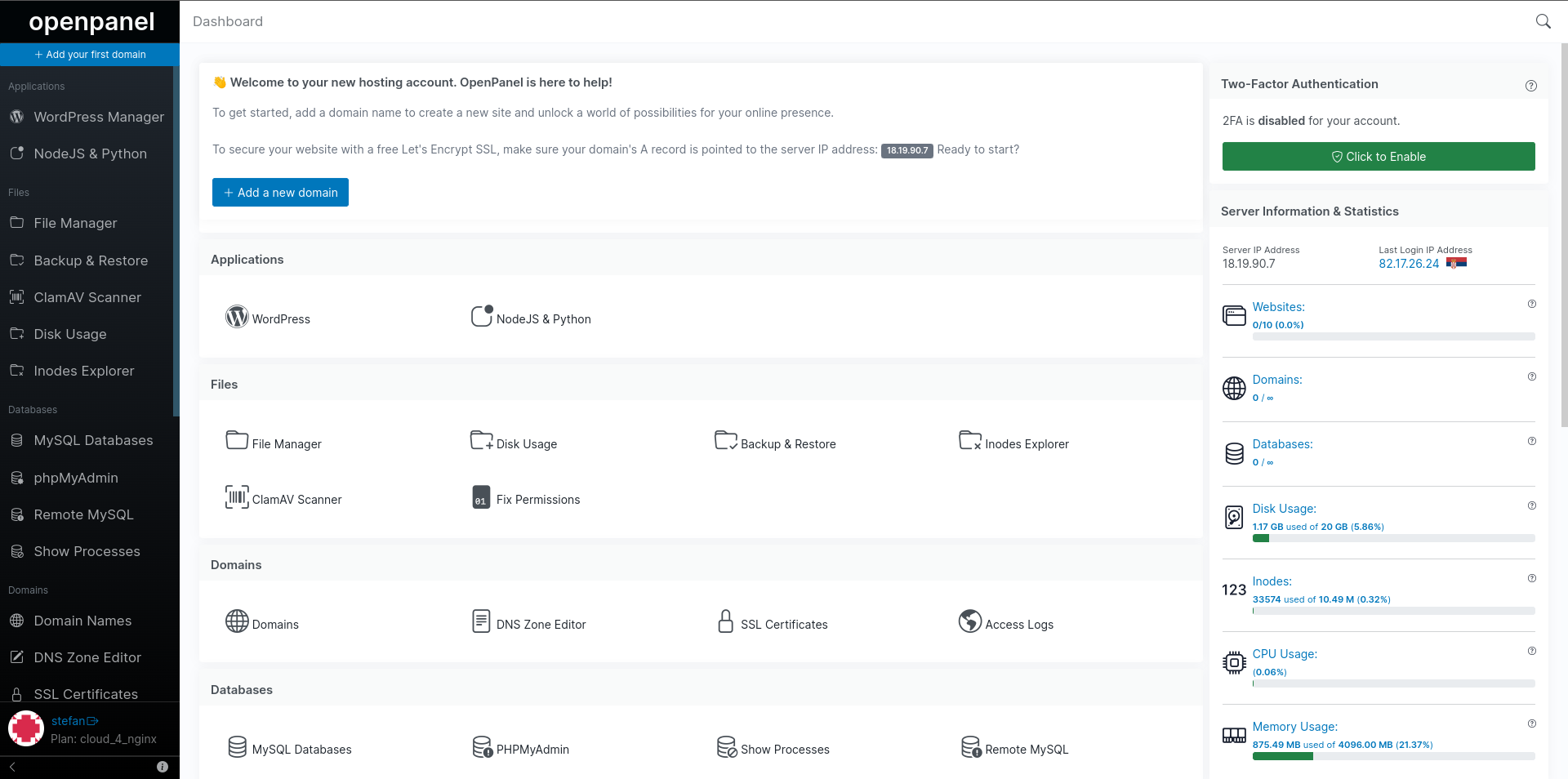
The HiTechCloud interface is the central hub of your user account, providing access to all available tools, usage information, and notifications.
The HiTechCloud dashboard interface is divided in two sections:
- Features: listing all available options
- Widgets: 2FA, Statistics, and How-to guides
Server Information & Statistics
This section displays general server information and current usage for the account.
- Shared or Dedicated IP address
- Last login IP address
- Nameservers (if enabled)
- Hosting plan
- Number of websites
- Number of domains
- Number of MySQL databases
- Current disk usage
- Current inodes usage
- Current CPU % usage
- Current RAM usage
How-to Guides
If enabled, the How-to guides section will display links to articles from the hosting providers knowledgebase RSS feed or the official HiTechCloud documentation.
Favorites
When Favorites feature is enabled by Administrator, users can bookmark up to 10 pages from the HiTechCloud interface. These pages will appear in the sidebar menu. To add a page to favorites, simply left-click the star icon in the top-right corner of any page. To remove a page, right-click the same icon.
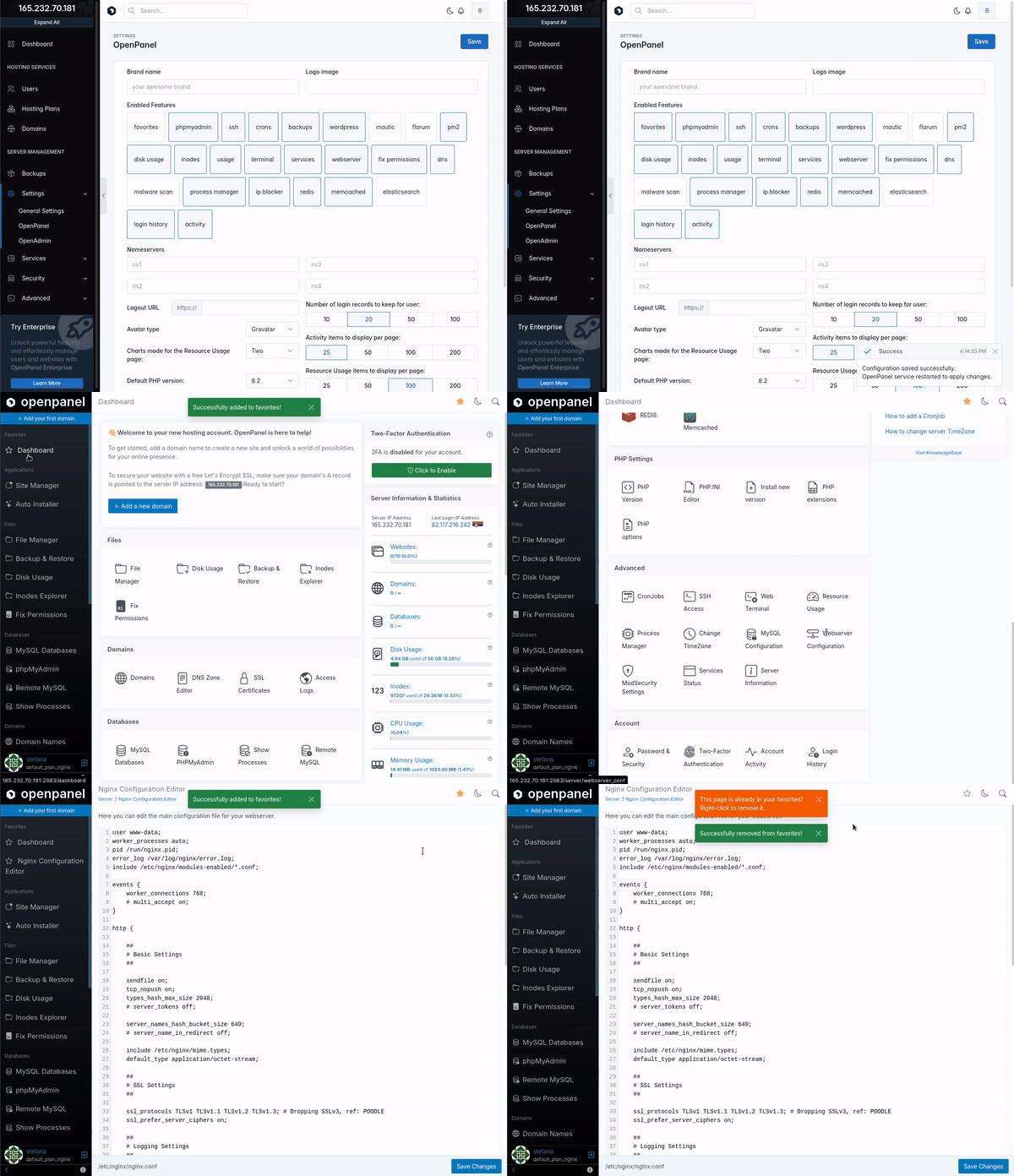
Keyboard Shortcuts
HiTechCloud includes keyboard shortcuts to navigate the interface, and you can access them by pressing Shift + K. These shortcuts are categorized into Global Shortcuts, applicable across all pages, and page-specific shortcuts that function exclusively on the current page. For instance, while using the File Manager, you'll find shortcuts dedicated to file management that are not applicable on other pages.
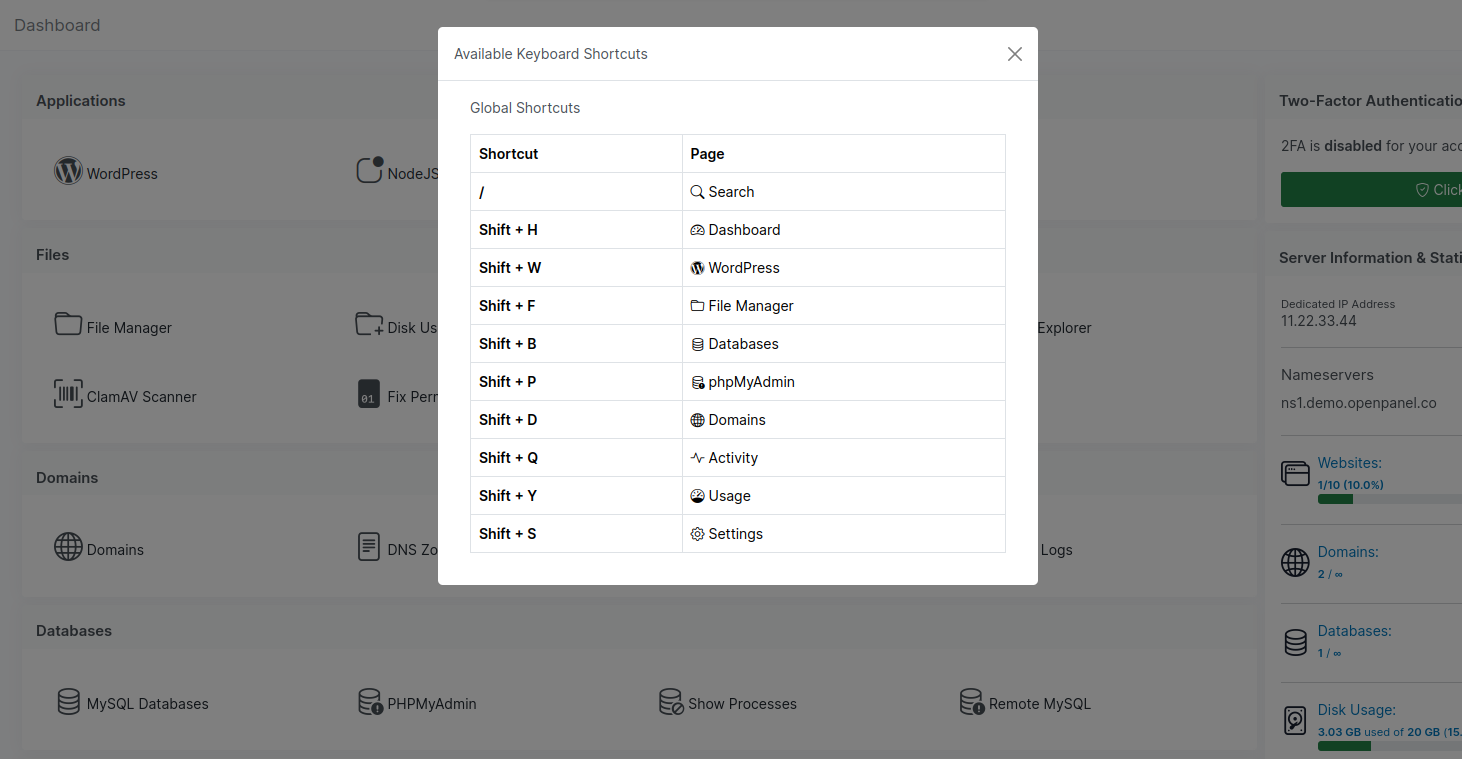
Available Keyboard Shortcuts:
- Global Shortcuts:
| Shortcut | Page |
|---|---|
| / | Search |
| Shift + H | Dashboard |
| Shift + W | WordPress |
| Shift + F | File Manager |
| Shift + B | Databases |
| Shift + P | phpMyAdmin |
| Shift + D | Domains |
| Shift + Q | Activity |
| Shift + Y | Usage |
| Shift + S | Settings |
- File Manager Shortcuts:
| Shortcut | Action |
|---|---|
| Shift + A | Select All |
| Shift + N | Create a New Folder |
| Shift + U | Upload Files |
| Shift + C | Copy Files |
| Shift + M | Move Files |
| DELETE | Delete File |
| Shift + V | View File |
| Shift + E | Edit File |
| Shift + R | Rename Files |
| Shift + Z | Compress Files |
| Shift + X | Extract Files |
| Shift + F | Home |
- Resource Usage Shortcuts:
| Shortcut | Action |
|---|---|
| Shift + C | Current Resource Usage |
| Shift + O | Historical (older) Usage |
| Shift + L | View logs |