0.2.0
Released on June 05, 2024
🚀 New features
- Support for Debian 11 and Debian 12
- SWAP Usage notification and cleanup
- Email Templates for HiTechAdmin Notifications
- Email address can be added to receive login information
- Install script now accepts an optional flag
--swap=to set disk space in GB for SWAP.
🐛 Bug fixes
- Fixed 500 error on
/pm2when installing Python application. - Fixed error
Error retrieving database count for the user.when user has MySQL service stopped. - Fixed bug with Memcached 1.6.24+
bind(): Cannot assign requested address #failed to listen on one of interface(s) 127.0.0.1,::1: Invalid argument.
💅 Polish
- MySQL database queries optimization and improvements
- dshield and spamhaus_edrop blacklists are removed from ipset-blacklist.
pipis now automatically installed on PM2 when setting Python application.- terms & conditions modal on first login to HiTechAdmin.
- Customize HiTechCloud Panel installation process.
- Added service icons to HiTechAdmin> Dashboard page.
- hitechcloudcli user-add script is optimized.
- Installation and update information are now separate, so users won't receive update notifications until the update script is available.
SWAP Notifications
SWAP usage can now also be monitored. When it reaches the threshold, you will receive a notification, and the Sentinel service will clear the swap. Once the process is complete, you will receive another notification.
SWAP usage can also be monitored. When the treshold is reached you will receive a notification and the Sentiel service will clear the swap. After it is completed you will receive another notification.
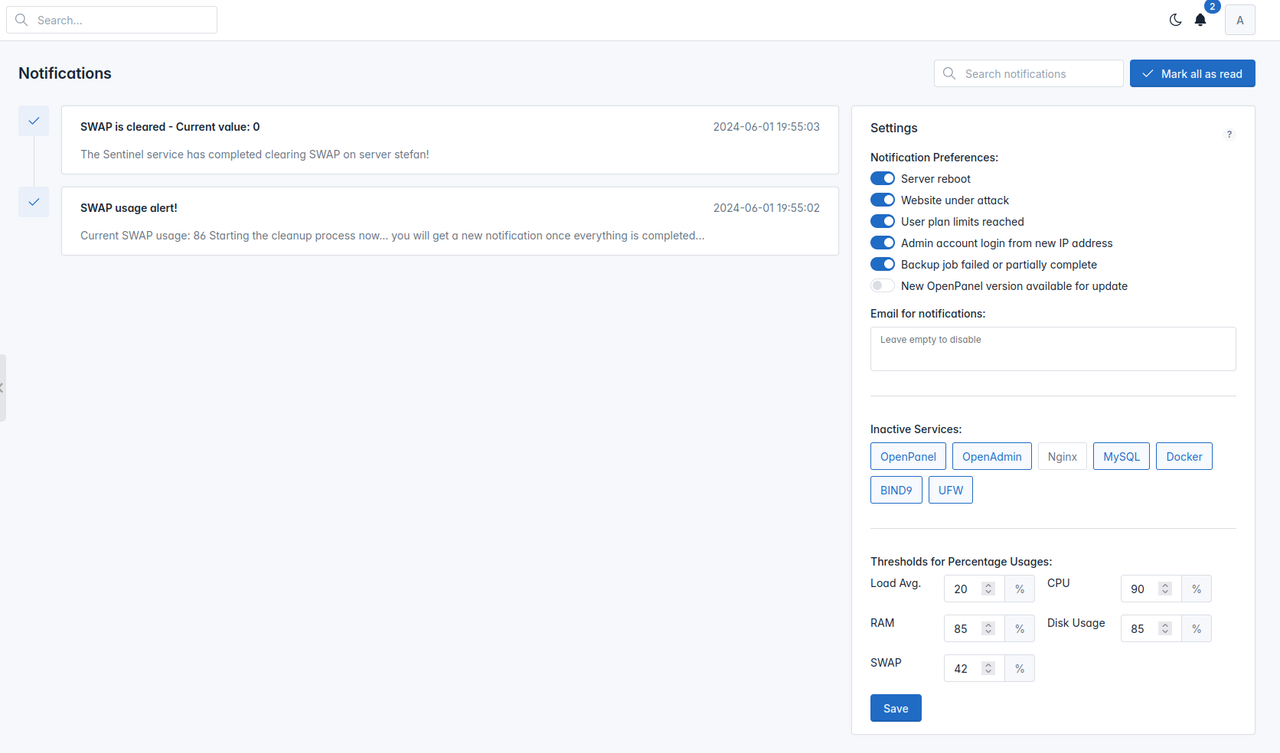
To change the swap usage treshold from terminal
hitechcloudcli admin notifications update swap 90
Optimizing MySQL
One major change for new installations is that the mysql login information is now stored in /etc/hitechcloud/hitechadmin/config/db.cnf for both HiTechCloud and HiTechAdmin.
File /usr/local/admin/config.json is also removed, so in the future all HiTechCloudCLI, HiTechAdmin and HiTechCloud will use the same file. This change will simplify the installation process and changes needed when mysql information is changed.
All queries from HiTechCloud and HiTechAdmin interfaces are now optimized, ensuring even faster user login and all other database-related tasks.
Email Template
HiTechAdmin Notifications now use a custom email template:
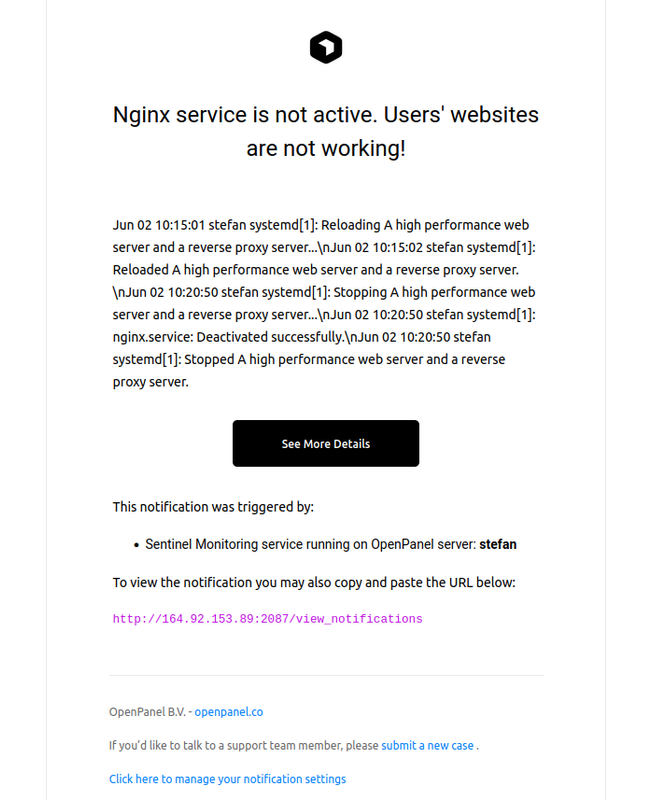
This template was heavily inspired by Vercel verification email.
Template can be customized by the Administrator by editing: /usr/local/admin/templates/system/email_template.html
user-add
hitechcloudcli user-add script was rewritten to optimize the account creation process. Detailed debugging information is available, overlay2 is supported for Docker and for each new user files are used from the /etc/hitechcloud/hitechadmin/skeleton/ directory.
Install email
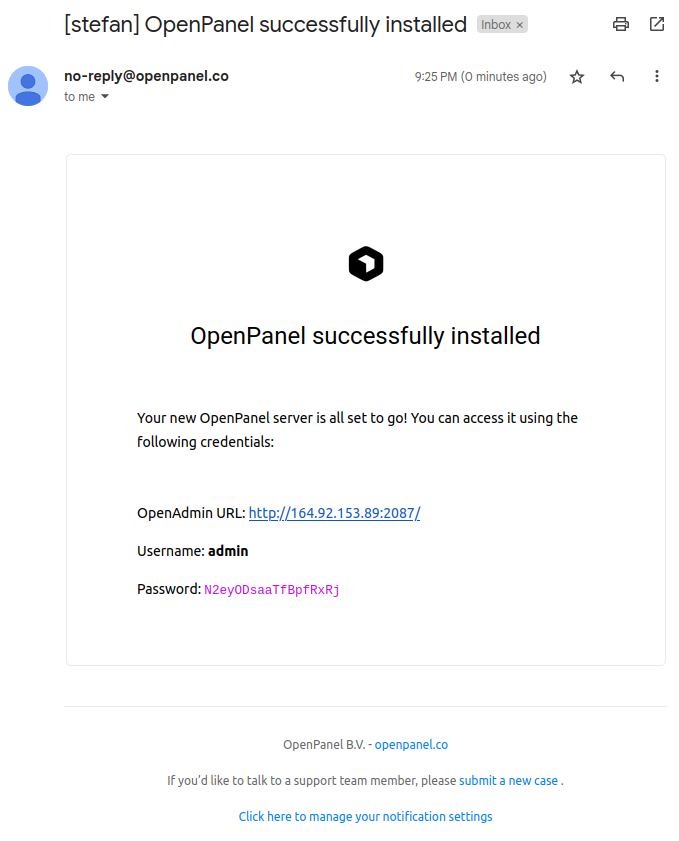
Custom email address can now be set when installing HiTechCloud using the --email= flag. If set, after the installation process, this email address will receive an email containing the HiTechAdmin login information: