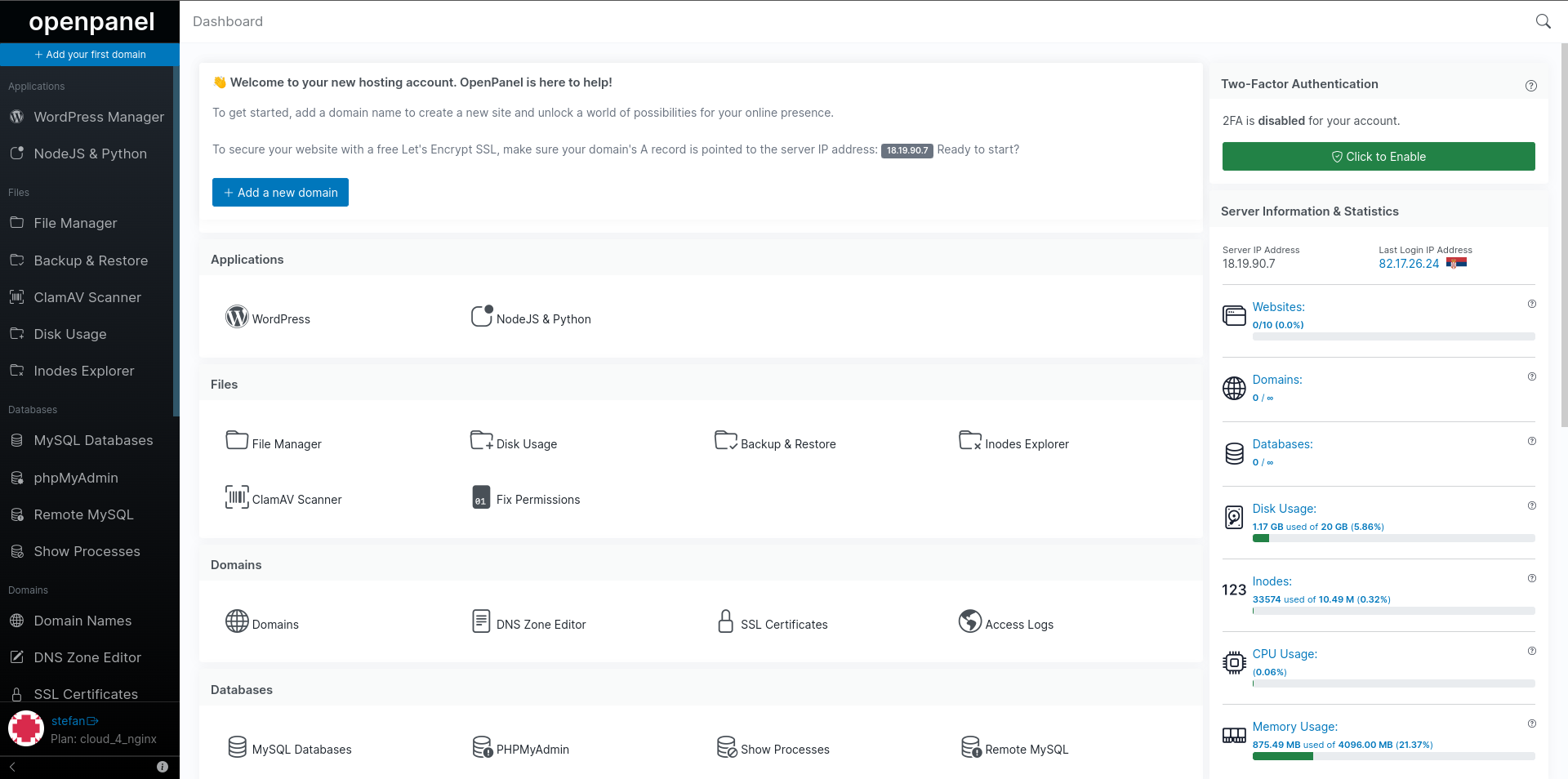
We’re thrilled to share that HiTechCloud is now available as a control panel option on LOGICWEB VPS and Dedicated servers.
This integration makes it easier than ever to launch HiTechCloud, the modern alternative to cPanel, directly on LOGICWEB’s high-performance hosting infrastructure.
Why This Partnership Matters
Selecting the right control panel is just as important as choosing the right server. By combining LOGICWEB’s robust hosting solutions with HiTechCloud’s intuitive platform, you get:
- HiTechCloud installation – installed automatically during server deployment.
- Enterprise-grade performance – powered by LOGICWEB’s reliable VPS and dedicated servers.
- Simplified management – handle websites, domains, databases, and email in one central place.
About LOGICWEB
LOGICWEB is a globally trusted hosting provider known for:
- VPS hosting with flexible configurations.
- Dedicated servers for demanding workloads.
- Multiple data centers backed by 24/7 technical support.
Now, with HiTechCloud available as a control panel option, deploying a modern hosting panel is instant and hassle-free — no manual installation required.
Get Started in Minutes
- Visit the LOGICWEB VPS Hosting page.
- Choose a VPS or Dedicated Server that fits your needs.
- Select HiTechCloud as your control panel.
- Deploy your server and start managing your hosting with HiTechCloud immediately.