Get Started with HiTechCloud
HiTechCloud is the main control panel for managing your web services. From HiTechCloud, you can create and manage domains, email accounts, website content, SQL databases, and other server-related services.
Which pages you see depends on two things: the features your hosting plan grants you, and the edition this server runs. On Community the pages listed as Enterprise in the Feature Manager — Email Accounts, FTP, webmail, PostgreSQL, the terminal, the WAF, the API and others — are not there at all, and this panel is also where the server's PHP versions are installed and removed, because a Community server has no admin panel. See Community and Enterprise.
Log in to HiTechCloud
By default, HiTechCloud is accessible via your server’s IP address on port 2083. Administrators may also configure a custom domain and port.
To log in:
- Open the link provided by your hosting provider.
- Enter your assigned username and password.
Password Reset
If you forget your password, follow these steps:
-
Click the Forgot password? link on the login page.
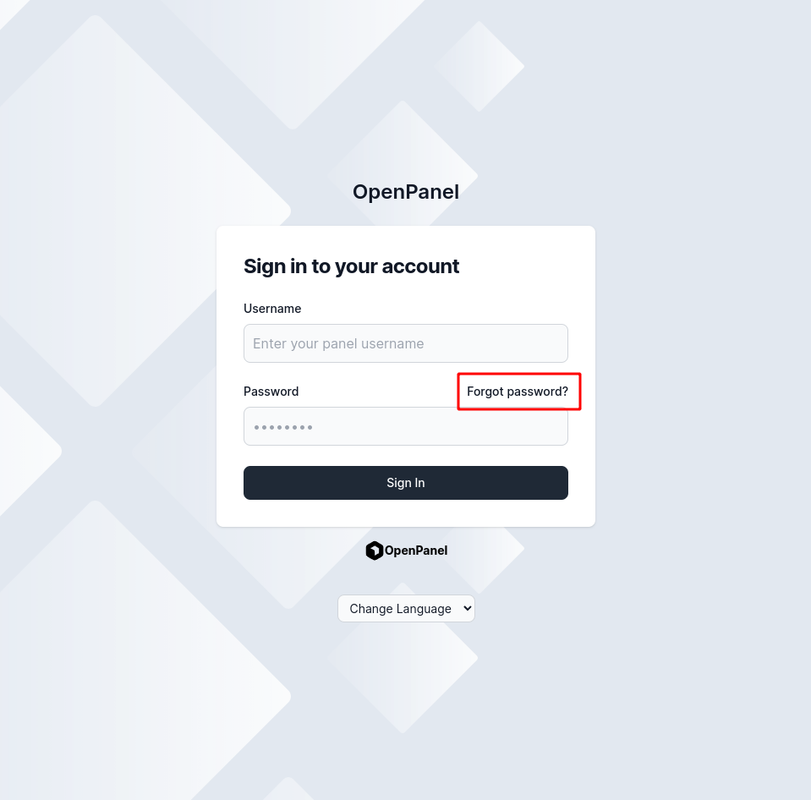
NOTE: If the Forgot Password? link does not appear on the login form, email-based password reset is disabled by your hosting provider. In this case, you must either:
- Log in automatically to HiTechCloud through their billing panel and reset your password via Account > Settings
- Contact your hosting provider to reset the password for you.
-
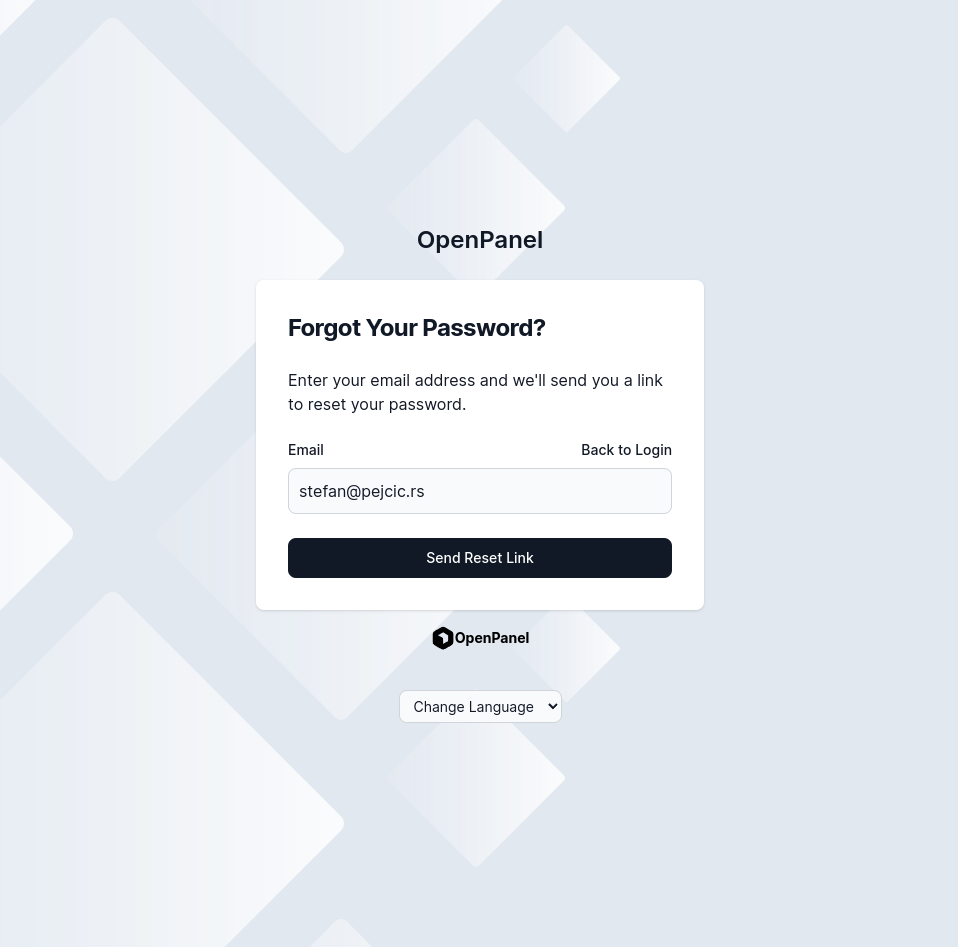
Enter your email address and click Send Reset Link.
-
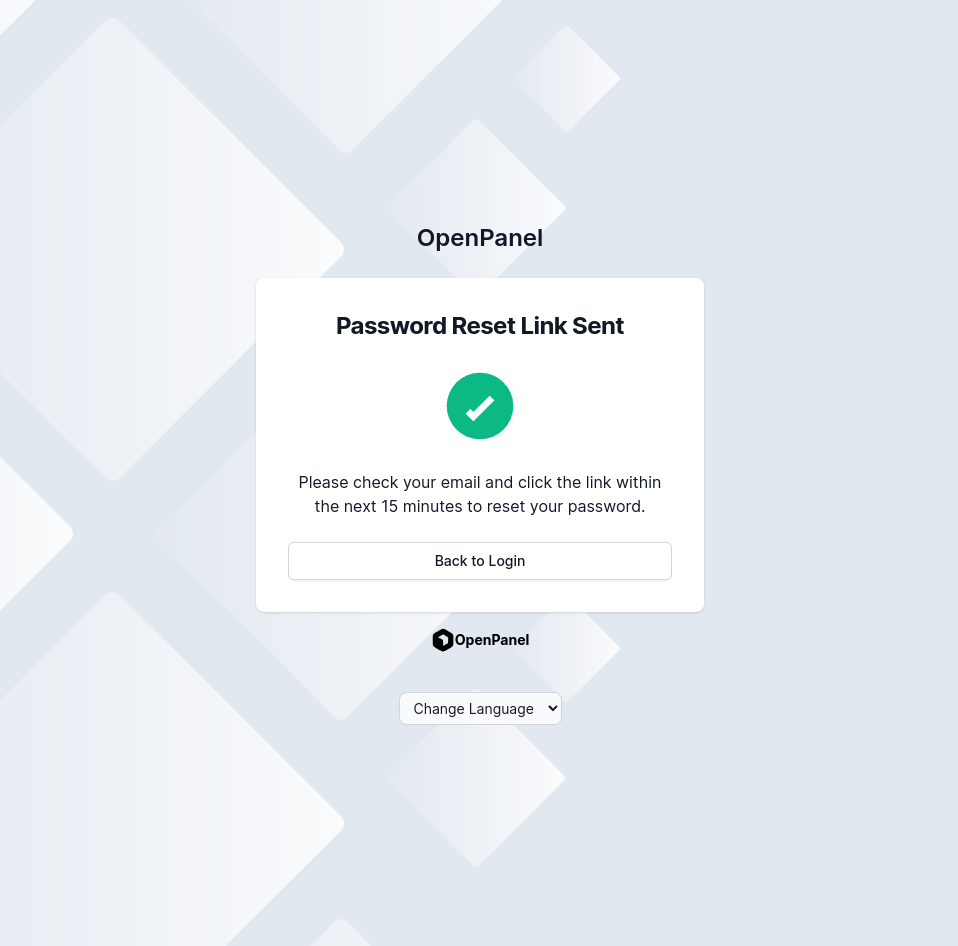
If your email is associated with an account, you will receive a password reset email (link valid for 15 minutes).
-
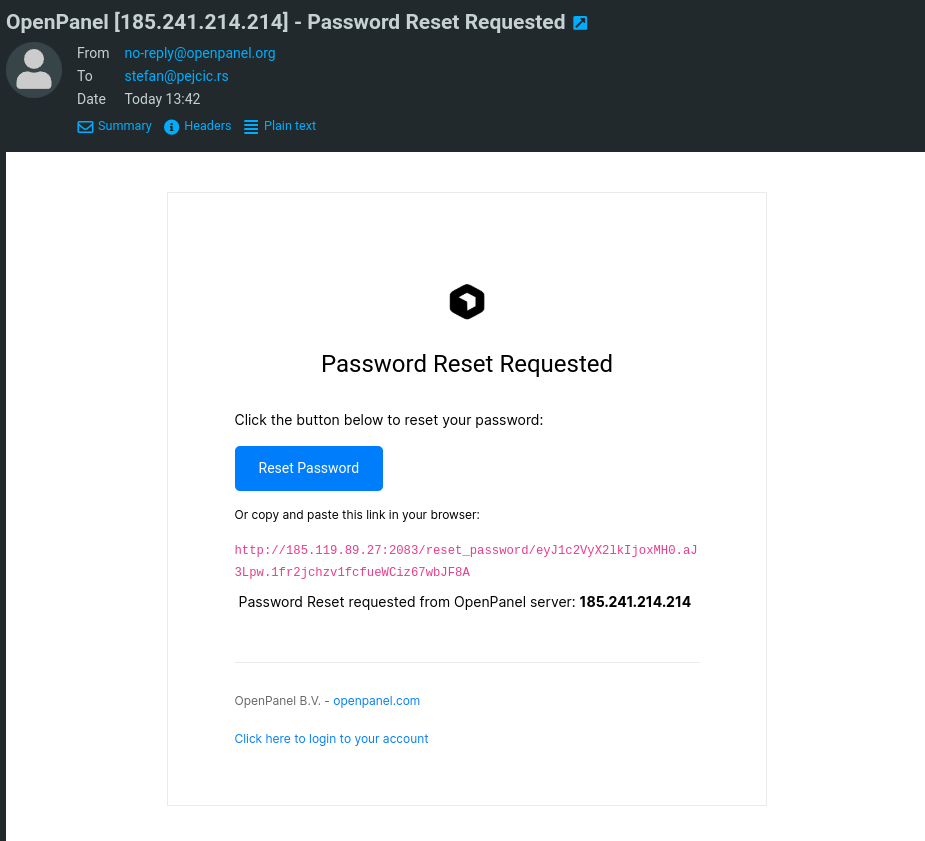
Open the email and click the reset link.
-
Enter your new password, confirm it, and click Change Password.
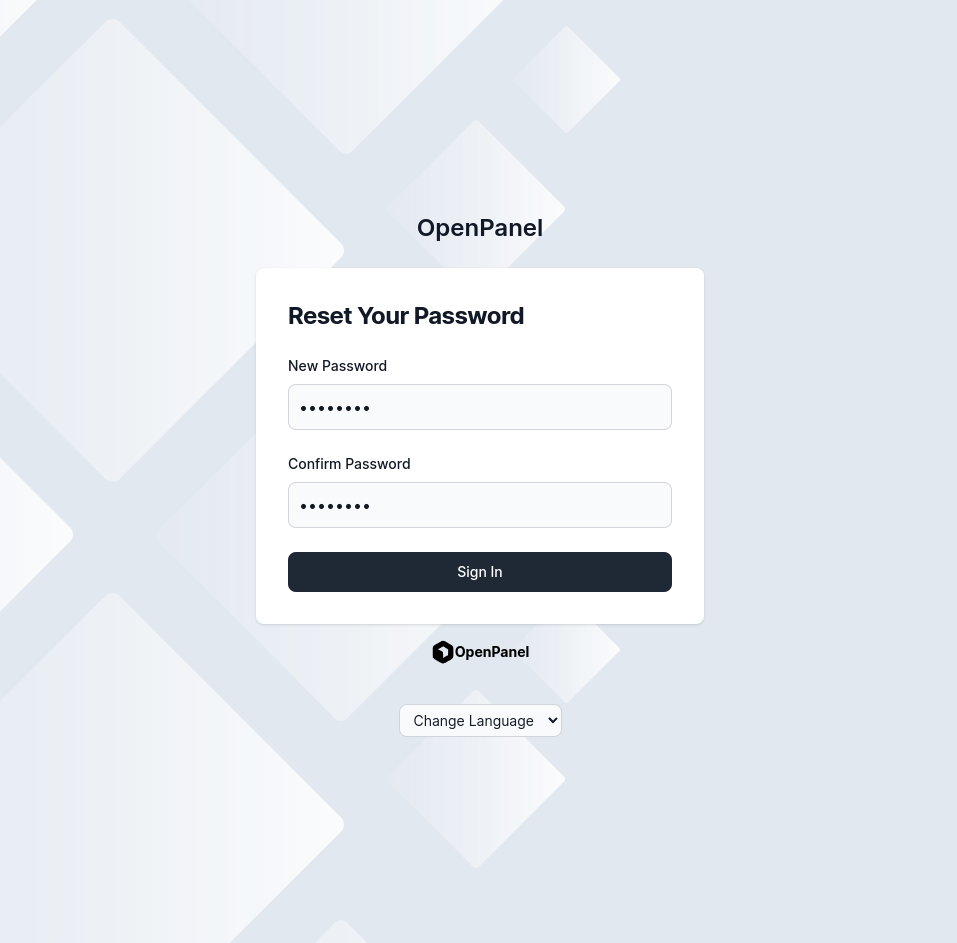
You can now log in using your newly set password.