Version: 1.X.X
View Log Files
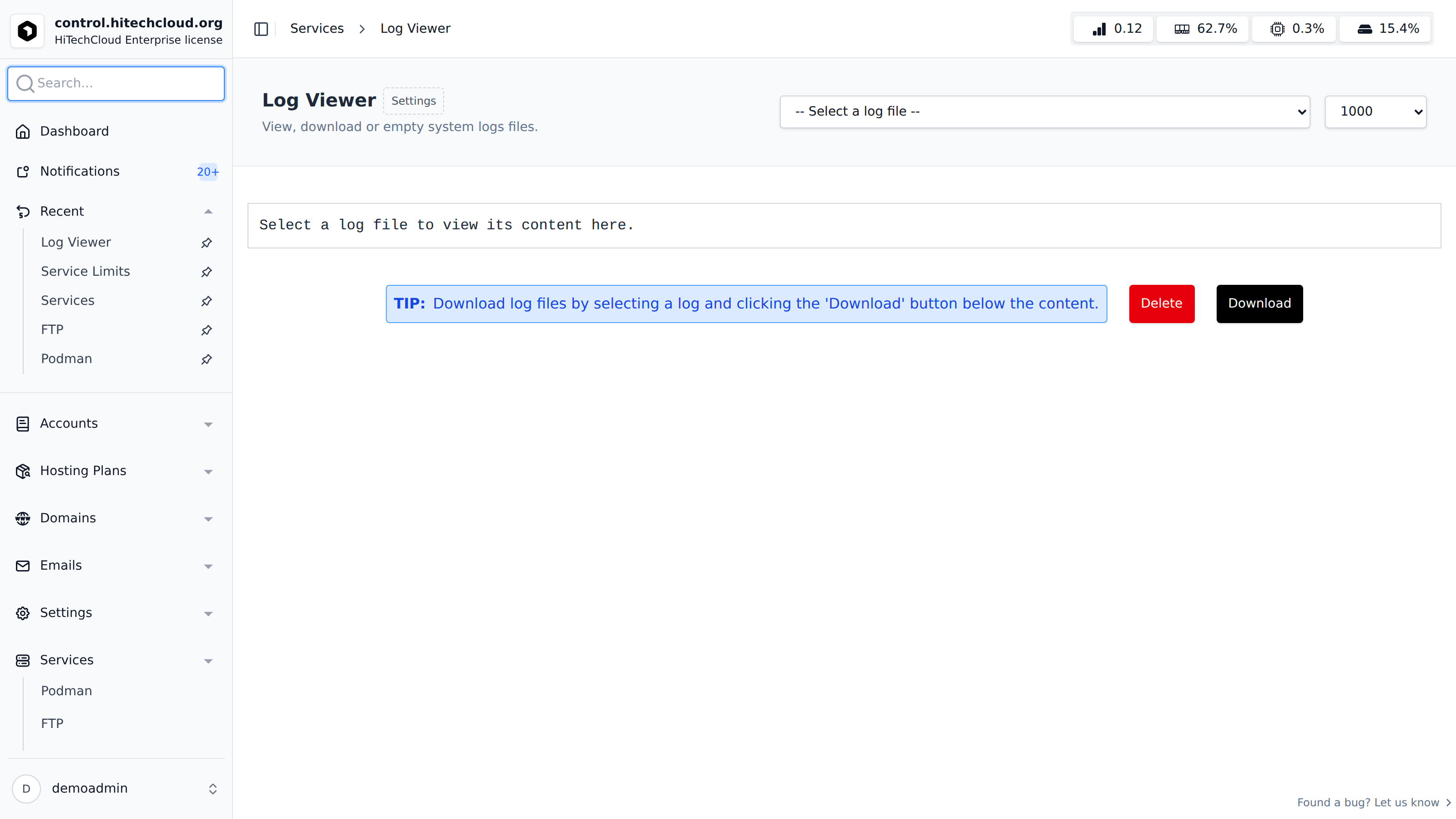
The HiTechAdmin > Services > View Log Files feature enables Administrators to access and monitor logs for both HiTechCloud and system services.
How to View Log Files
Navigate to Services > View Log Files
Select the log file you would like to view and optionally number of lines from the file.
After selecting a log file, two new buttons appear under the log content:
- Delete - will empty the file contents
- Download - will download the entire log file to your browser.
Settings
This functionality supports modularity by allowing customization of the log files displayed in the viewer.
List of default log files: https://mirrors.hitechcloud.org
To define custom log files for the viewer, click on the 'Settings' link next ot the heading. IN the form edit the json and click on 'Save'.
Trang này có hữu ích không?