Backup Wizard
Create a full account backup that can be downloaded and later used to restore your account on another server.
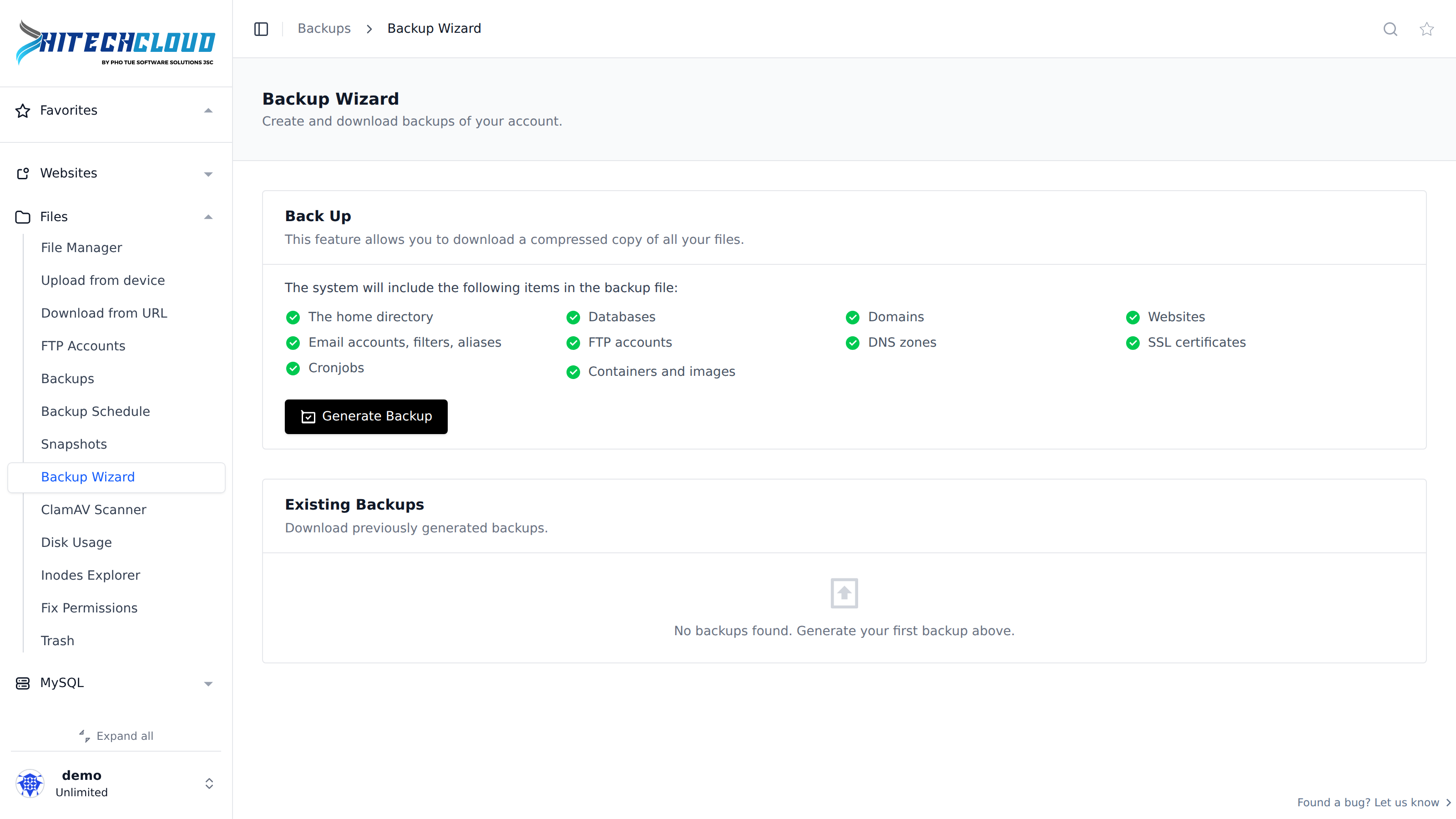
Unlike the Backups feature, the Backup Wizard does not use a remote destination or a schedule: it creates a single local archive on demand that you download manually.
What's Included
The generated backup archive includes:
- The home directory
- Databases
- Domains
- Websites
- Email accounts, filters, aliases
- FTP accounts
- DNS zones
- SSL certificates
- Cronjobs
- Containers and images
Generate a Backup
Click Generate Backup to start creating a new backup. Only one backup can be created at a time — if a backup is already in progress, the button is disabled and a banner shows when it started and its current size. The page refreshes automatically once the backup completes.
Existing Backups
The Existing Backups table lists previously generated backups with their filename, size and creation date. Click Download next to a backup to download it. A backup that is still being generated shows an In progress… indicator instead of a download link.