Version: 4.1
PHP.INI Editor
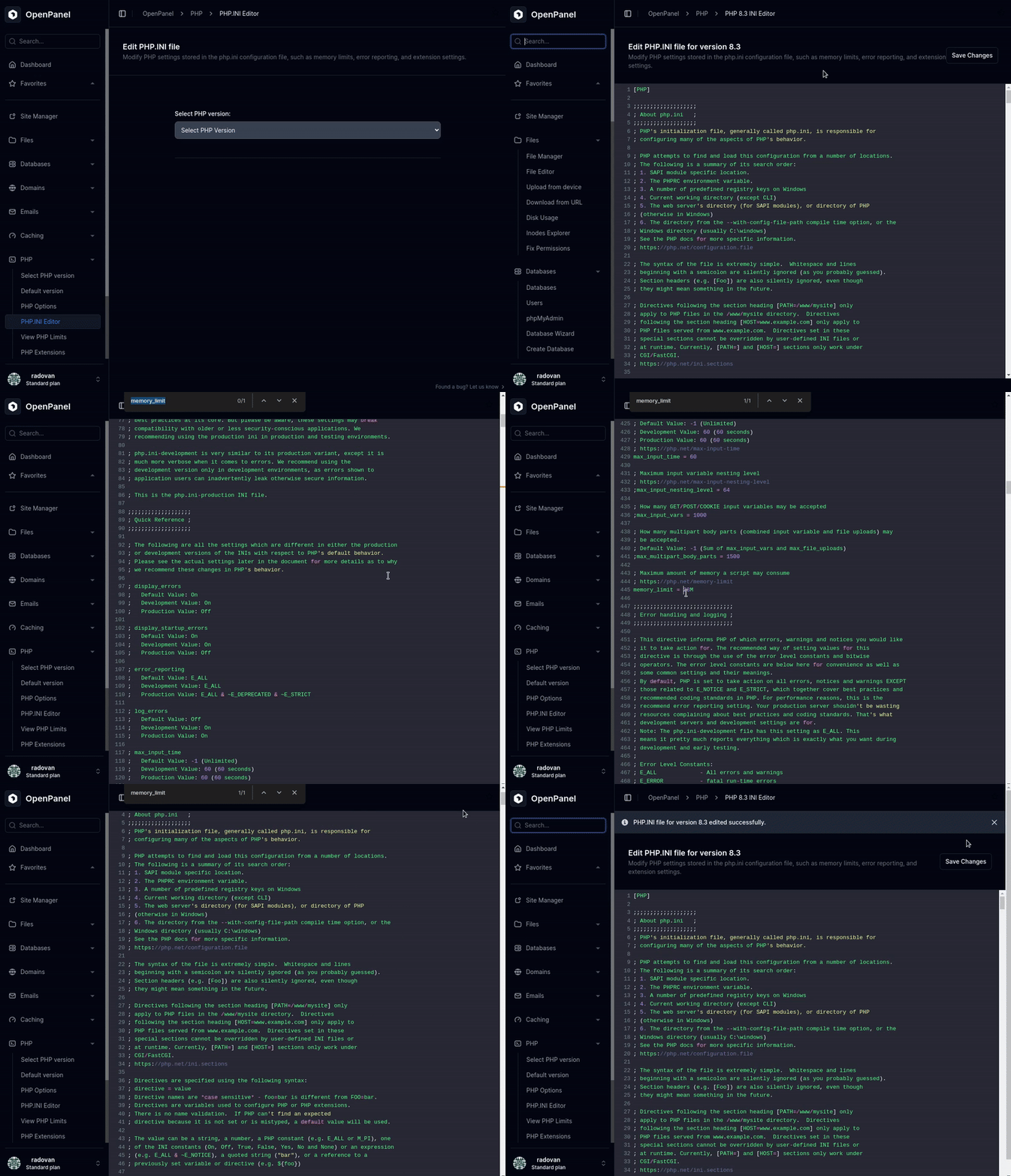
The PHP.INI Editor allows you to view and modify the configuration file for each installed PHP version.
Note: PHP.INI Editor is only available if
php_inifeature is enabled by Administrator.
You can increase limits, enable new defaults, or adjust settings as needed. Changes will restart the corresponding PHP service.
To see how much CPU and memory your account uses, open the Resource Usage page. The limits themselves come from your hosting plan.
Was this helpful?