Limit HiTechCloud
Both HiTechCloud and HiTechAdmin interfaces have a built-in rate limiting and IP address blocking to protect against brute-force attacks.
This feature is enabled by default on all installations, and can be additionally customized via HiTechAdmin > Settings > HiTechCloud or from the terminal.
You can configure the maximum number of failed login attempts allowed per IP (default is 5 per minute) and the total number of failed attempts (default is 20), after which the offending IP will be temporarily blocked by the firewall for one hour.
For HiTechCloud limits are configurable in: /etc/hitechcloud/hitechcloud/conf/hitechcloud.config file:
[USERS]
login_ratelimit=5
login_blocklimit=20
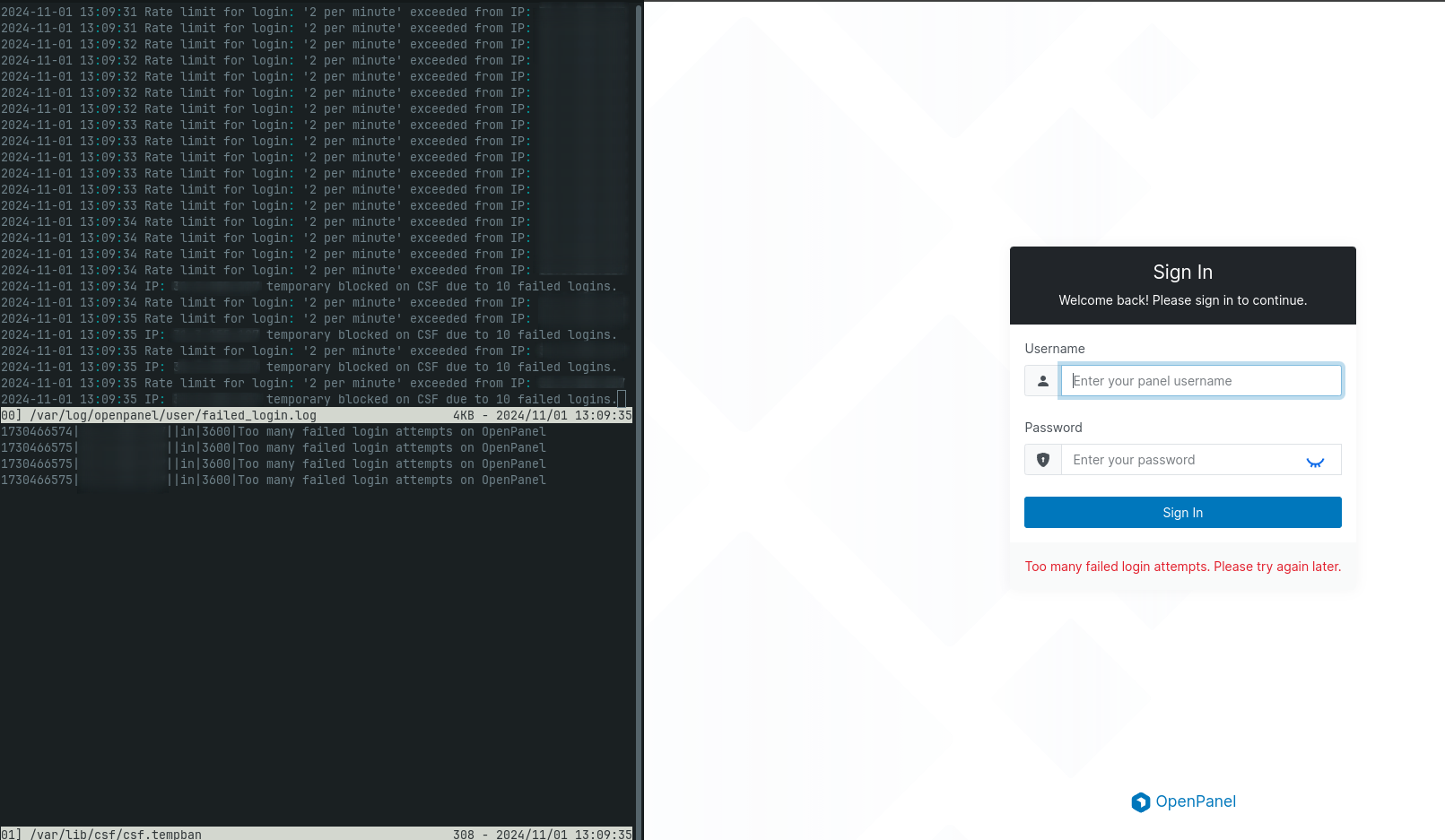
For HiTechAdmin limits are configurable in: /etc/hitechcloud/hitechadmin/config/admin.ini file:
[PANEL]
login_ratelimit=5
login_blocklimit=20
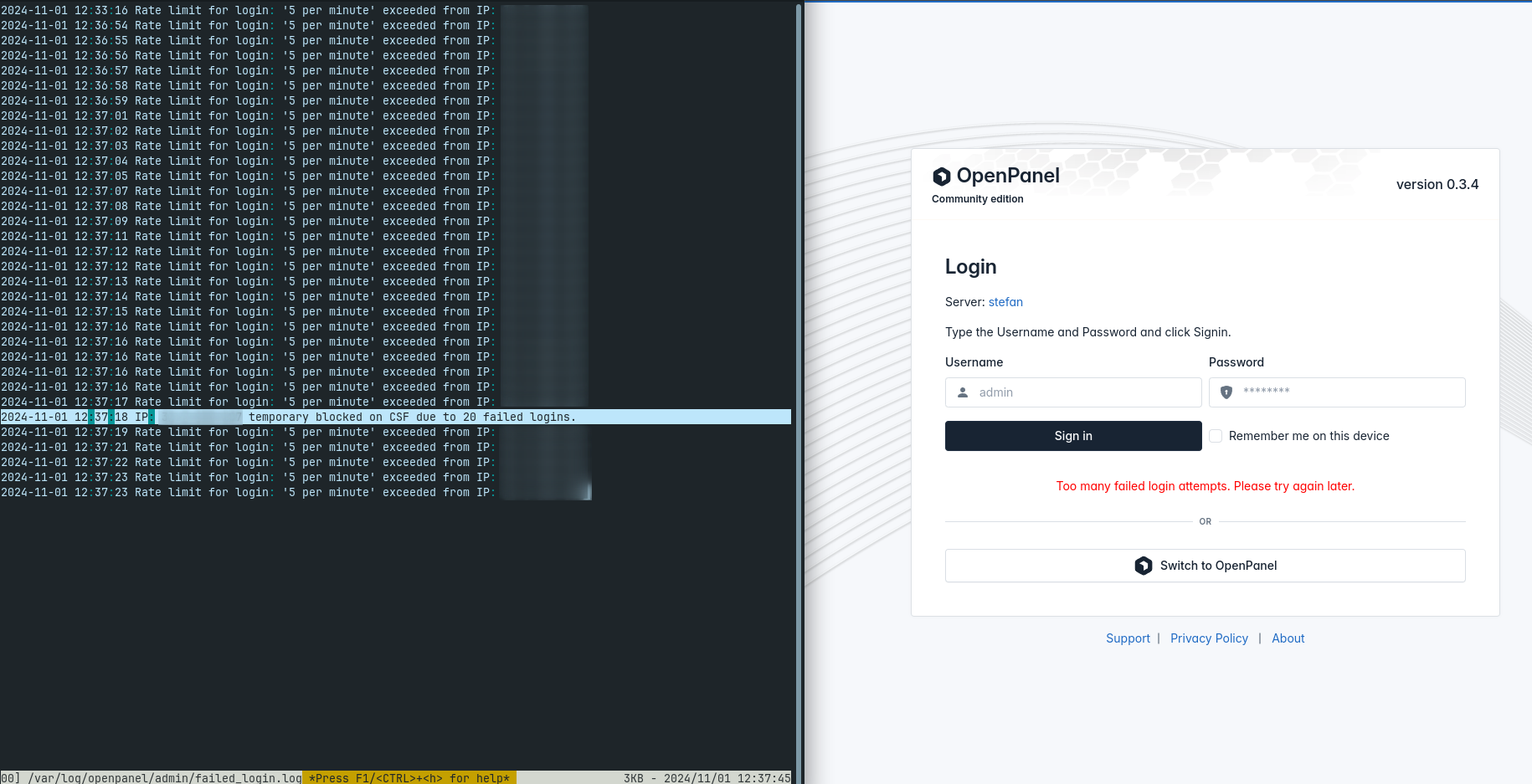
If a user successfully logs in, the counter for login_blocklimit will reset.
Failed login attempts and blocked IP addresses are logged in the /var/log/hitechcloud/admin/failed_login.log file for HiTechAdmin and in the /var/log/hitechcloud/user/failed_login.log file for HiTechCloud.