Version: 4.1
Basic Auth
Enable Basic Access Authentication as an additional security layer for the HiTechAdmin interface.
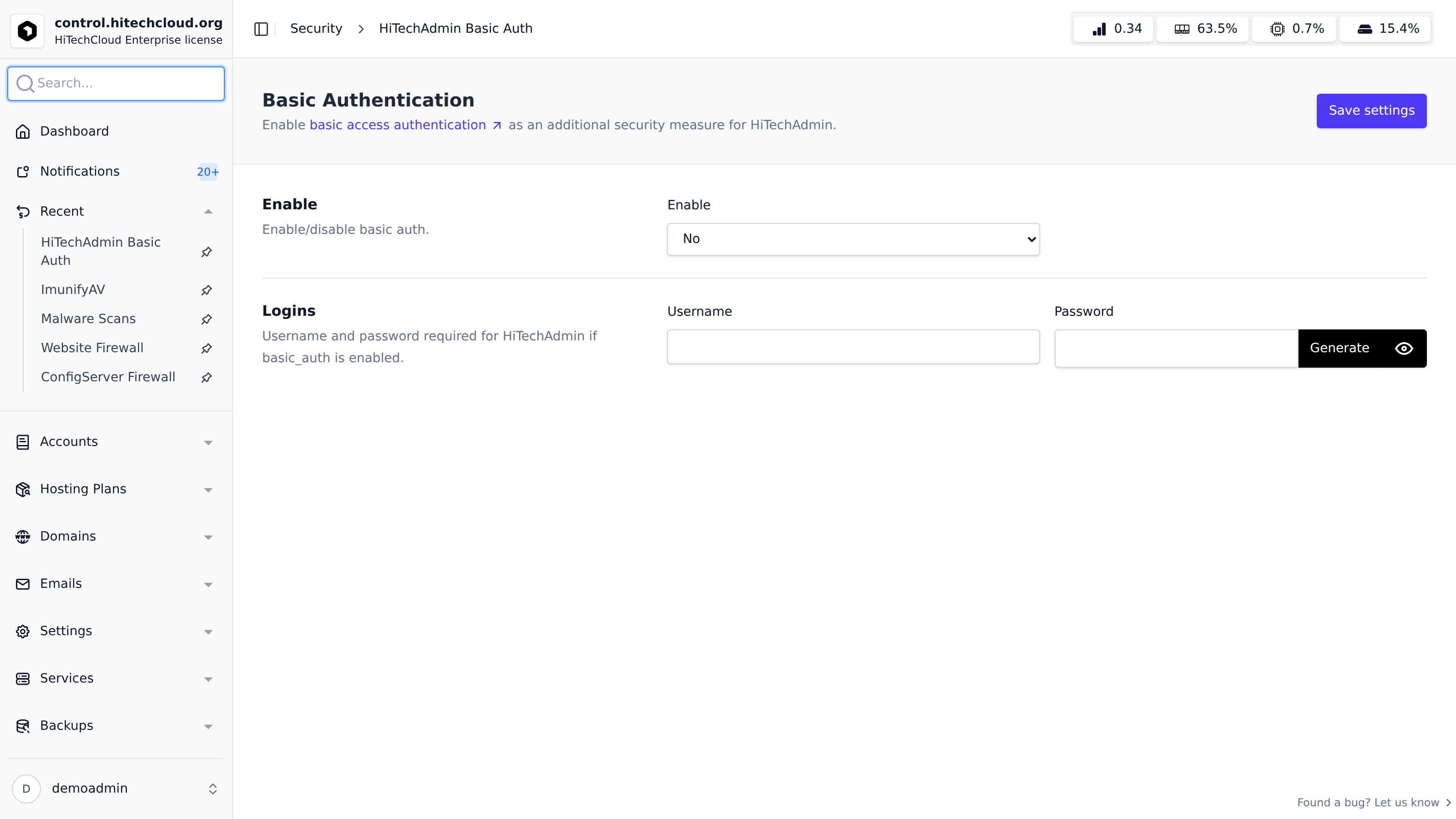
Enable
To enable Basic Auth, select Yes under Enable and click Save settings.
To disable Basic Auth, select No under Enable and click Save settings.
Logins
When Basic Auth is enabled, a username and password are required.
Configure the Username and Password fields, then click Save settings to apply. The password must be 6-30 characters and cannot contain an apostrophe (').
Use the Generate button next to the password field to create a random strong password, and the eye icon to toggle its visibility.
Was this helpful?