Firewall
HiTechCloud supports Sentinel Firewall - a fork of the ConfigServer Security and Firewall (CSF).
CSF
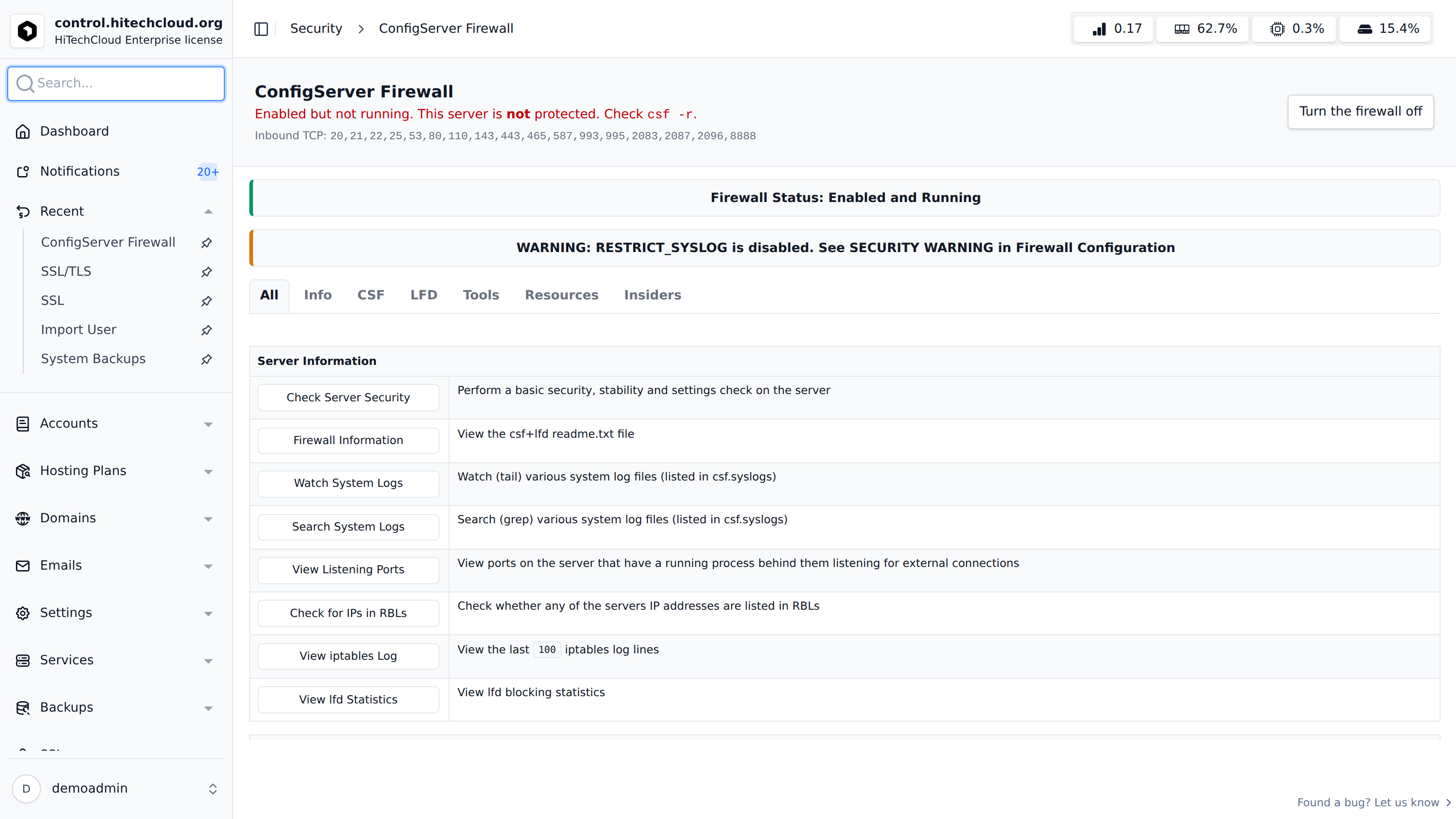
Firewall (CSF) UI is displayed on HiTechAdmin > Security > Firewall.
For instructions on how to use the CSF UI, please refer to Sentinel Firewall official documentation.
IPv6
The firewall filters IPv6 as well as IPv4. Turning it on (HiTechAdmin > Security > Firewall, or hitechcloudcli firewall on) does three things:
- it sets
IPV6 = "1"in/etc/csf/csf.conf; - it gives
TCP6_INandUDP6_INthe same ports asTCP_INandUDP_IN; - it checks that the loaded
ip6tablesrules still accept SSH before it trusts them.
hitechcloudcli firewall status reports ipv6=yes when IPv6 is being filtered.
CSF needs ip6tables to filter IPv6. If ip6tables is missing, the firewall comes up for IPv4 only and says that IPv6 is not filtered. Install the iptables package and turn the firewall on again.
Servers updated to 3.9.4 with the firewall already on are switched over by the update, which keeps a copy of the previous file as /etc/csf/csf.conf.pre-3.9.4-ipv6. The update leaves IPv6 unfiltered in three cases, and prints the reason and the command to run:
ip6tablesis missing;- sshd listens on a port the firewall does not open;
- IPv6 SSH is not accepted once the rules are loaded.
Before 3.9.4, CSF's shipped default IPV6 = "0" was never changed. On a server with the firewall on, every port was open to IPv6 clients, and IPv6 addresses could not be banned.
External Firewall
Some cloud providers, like Hetzner, offer their own external firewalls. If you are using an external firewall, ensure the following ports are open for HiTechCloud services to be accessible: 53 80 443 2083 2087 32768:60999
If you are using a custom port for HiTechCloud instead of the default 2083, ensure that port is open as well.