Version: 4.1
Access HiTechAdmin
Run hitechcloudcli admin command to find the address on which admin panel is accessible. Example output:
root@server:/home# hitechcloudcli admin
● HiTechAdmin is running and is available on: https://server.hitechcloud.org:2087/
To login to admin panel you need a username and password.
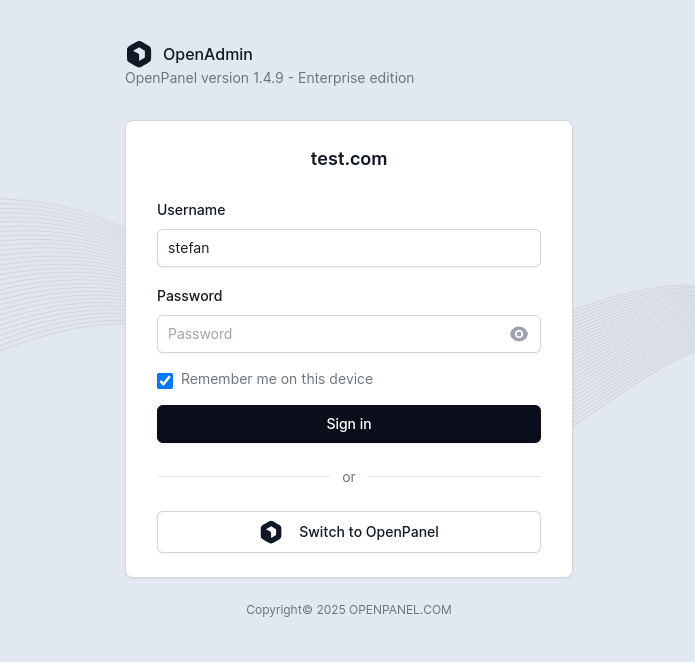
Both username and password are random generated on installation.
To view admin accounts:
hitechcloudcli admin list
To set a new password for the admin account run command: hitechcloudcli admin password USER_HERE NEW_PASSWORD_HERE
Example:
root@server:/home# hitechcloudcli admin password stefan ba63vfav7fq36vas
Password for user 'stefan' changed.

===============================================================
● HiTechAdmin is running and is available on: https://server.hitechcloud.co:2087/

- username: stefan
- password: ba63vfav7fq36vas

===============================================================
Was this helpful?