Upgrade to Enterprise
HiTechCloud is available in two editions:
- Community — free, no licence key, 3 hosting accounts and 50 domains, and the admin panel on port 2087 closed.
- Enterprise — no limits, the admin panel on port 2087, and resellers, hosting plans and customer accounts.
More information: Community and Enterprise, or compare the editions.
Purchase a licence
To purchase a licence for the HiTechCloud Enterprise edition click here.
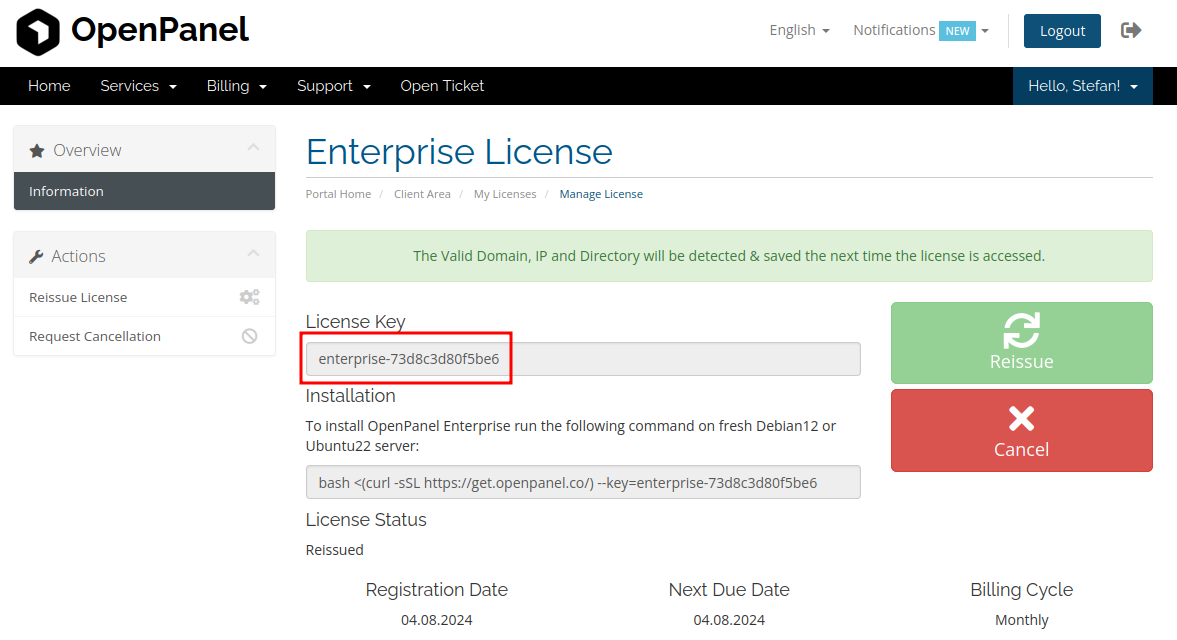
After payment the licence key is issued automatically and appears on the Services page:
Add the licence key
To an existing installation
-
From the hosting panel. A Community server has no admin panel to type a key into, so the key goes in on port 2083. Sign in and open Activate Enterprise (
/licence), paste the key and submit. The page checks the key before it saves anything, and it disappears once the server is Enterprise — from then on the licence lives in the admin panel. -
From a terminal:
hitechcloudcli license enterprise-XXXReplace
enterprise-XXXwith your licence key.
Either way, the same thing happens: the limits are lifted, port 2087 opens, the Enterprise modules are switched on, and the components those modules need — FTP, the mail stack, the database server, Node and ClamAV — are installed in the background. The panel and the admin panel are usable straight away; the pages that need one of those packages appear when it finishes. Follow it with:
tail -f /var/log/hitechcloud/enterprise-activation.log
Nothing already installed is reinstalled or reconfigured.
To a new installation
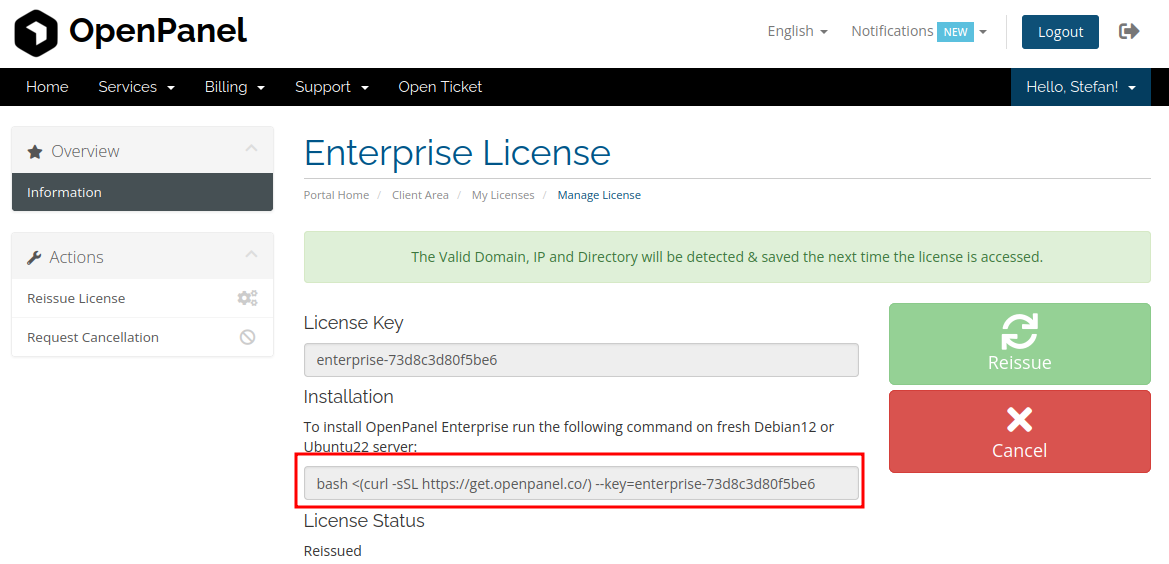
If you will be installing HiTechCloud Enterprise on another server, copy the install command from your service page and paste it into the new server:
Check or remove a key
hitechcloudcli license key      # the key currently saved
hitechcloudcli license verify   # ask the licensing server; changes nothing
hitechcloudcli license info     # licence owner and expiry
hitechcloudcli license delete   # remove the key and go back to Community
verify reports what the licensing server says, and that is all it does — it
does not restart anything and it does not decide the edition. The edition is
read from the key on the machine, so a licensing server that cannot be reached
never costs you Enterprise.